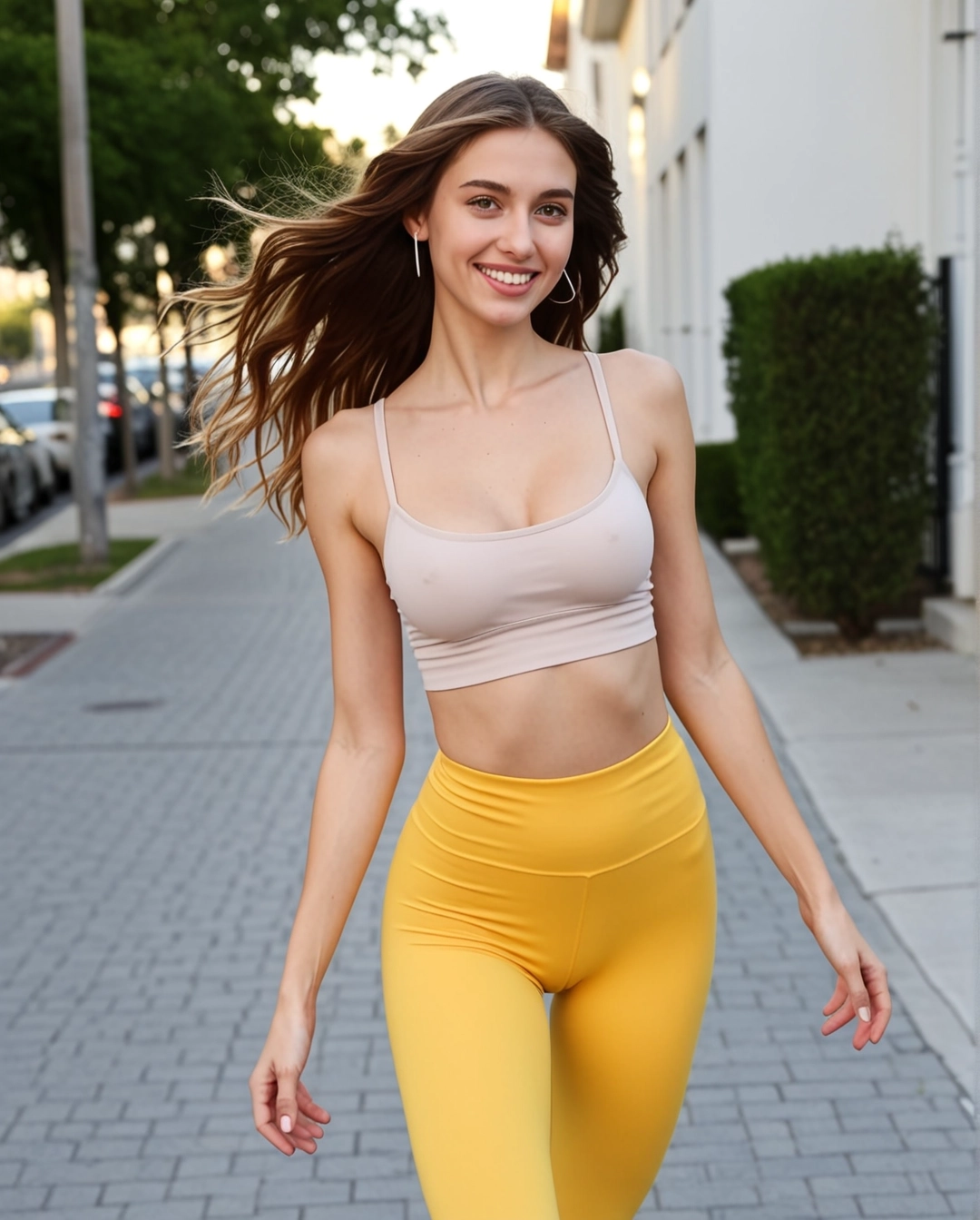
SexyGF AI Start and End Frame Video Generator
Use start and end frames when you want tighter control over the private girlfriend clip arc, pose change, and final visual beat.
How to use this workflow
- • Choose an opening frame with the exact face, outfit, and mood you want.
- • Use the ending frame to define the final pose or camera distance.
- • Keep the transition simple so the motion does not fight the frame anchors.
Content policy notice
Any non-compliant generation will fail — this is not a scam or a site error. The PolyBuzz AI model has recently tightened content restrictions, and all real human face inputs (selfies, portraits, celebrities) are now blocked at the model level. Violent and NSFW content is also rejected. You can still create amazing videos with illustrations, anime characters, AI-generated faces, or stylized artwork.
Creative controls
1. Pose transition
Move from a calm portrait to a closer, more confident pose.
2. Camera arc
Use the final frame to define a soft push-in or slight angle change.
3. Mood reveal
Shift from relaxed eye contact to a warmer private expression.
4. Outfit continuity
Use both frames to keep styling stable across the clip.
⚠️Frame notes
- • The first frame anchors identity, styling, and opening mood.
- • The end frame should feel like the natural finish, not a different scene.
- • If the result warps, simplify the motion prompt and reduce scene changes.
Video workflow links
Connect this video mode to the full girlfriend workflow
Video tool pages should make the still-to-motion sequence visible. This block links each mode back into image setup, motion examples, model comparisons, and safety guidance.
Current page: SexyGF AI Start and End Frame Video Generator